ÍNDICE DE LA ESTRATEGIA
- ¿Qué es un Wallet de Criptomonedas y Por Qué es Tu Primer Activo?
- La Clave Maestra: Entendiendo la Llave Privada y la Dirección de Wallet
- Wallets HD y Semillas: Tu Copia de Seguridad Financiera
- Tipos de Wallets: Hot vs. Cold - El Balance entre Accesibilidad y Seguridad
- Tu Plan de Acción: Cómo Elegir el Wallet que Multiplicará tu Capital
- Oportunidad Binance: El Ecosistema para Escalar tus Inversiones Cripto
- El Arsenal del Emprendedor Cripto: Herramientas y Recursos Clave
- Preguntas Frecuentes: Despejando Dudas para una Inversión Segura
El mundo de las criptomonedas ha dejado de ser un nicho para convertirse en un sector económico de vanguardia, prometiendo retornos exponenciales para quienes saben cómo navegar sus complejidades. Pero, ¿dónde reside la verdadera seguridad y control de tus activos digitales? La respuesta es simple y contundente: en tu wallet de criptomonedas. Ignorar la importancia de un monedero seguro no es solo un error; es una invitación al desastre financiero. Hoy te desvelaré cómo puedes no solo proteger, sino también gestionar activamente tus criptoactivos, sentando las bases para construir tu propio imperio digital.
Este no es un tutorial superficial. Es un análisis estratégico diseñado para convertirte de un novato temeroso a un gestor de activos digitales competente. Aprenderás los principios fundamentales, las herramientas esenciales y, lo más importante, cómo tomar decisiones informadas que te permitirán facturar tus primeros 10.000€ en este apasionante mercado. Prepárate para la transformación.
¿Qué es un Wallet de Criptomonedas y Por Qué es Tu Primer Activo?
En esencia, un wallet de criptomonedas (o monedero cripto) es tu portal personal hacia la tecnología blockchain. No guarda físicamente tus monedas, como lo haría una billetera tradicional para el dinero fiduciario. En cambio, almacena tus llaves criptográficas: la llave privada (tu clave secreta de acceso y control) y la llave pública (tu dirección de wallet, similar a un número de cuenta bancaria, que puedes compartir para recibir fondos). Tu wallet te permite interactuar con la red blockchain, facilitando el envío y la recepción de criptodivisas como Bitcoin, Ethereum, Cardano y un sinfín de altcoins.
La verdadera clave del negocio cripto es la posesión y el control de tus llaves privadas. Si no controlas tus llaves, no controlas tus monedas. Esto es fundamental. Piensa en ello como ser el único portador de las llaves de tu bóveda personal. Sin ellas, nadie puede acceder a tu tesoro, pero tampoco tú, si las pierdes.
La Clave Maestra: Entendiendo la Llave Privada y la Dirección de Wallet
La llave privada es el componente más crítico de tu seguridad criptográfica. Es una cadena larga y compleja de caracteres alfanuméricos generada de forma criptográfica. Esta llave autoriza las transacciones desde tu dirección pública y prueba que posees los fondos asociados a ella. ¡Jamás debes compartir tu llave privada con nadie ni almacenarla en lugares inseguros! Perderla o que sea robada significa la pérdida irreversible de tus activos.
"La seguridad en cripto no es un departamento, es una responsabilidad personal. Tu llave privada es el último bastión de tu riqueza digital."
Por otro lado, la dirección de wallet es la versión pública y simplificada de tu llave privada. Se deriva de ella a través de algoritmos matemáticos. Puedes compartir tu dirección pública libremente para recibir depósitos de criptomonedas. Es tu "número de cuenta" en la blockchain. Asegúrate siempre de copiar y pegar la dirección correcta al enviar o recibir fondos; un solo error puede enviar tus monedas a la nada digital.
Wallets HD y Semillas: Tu Copia de Seguridad Financiera
Los Wallets Jerárquicos Deterministas (HD Wallets) representan un avance significativo en la gestión de múltiples criptomonedas. En lugar de generar una nueva llave privada para cada moneda, un wallet HD genera un árbol de llaves privadas a partir de una única semilla (seed phrase). Esta semilla, típicamente una secuencia de 12 o 24 palabras en inglés, es la clave maestra para regenerar todas tus llaves y direcciones. Si alguna vez pierdes acceso a tu dispositivo wallet, puedes restaurar tu monedero completo en cualquier otro dispositivo compatible utilizando tu semilla.
La seguridad de tu semilla es tan vital como la de tu llave privada. Escríbela en papel (nunca en formato digital), guárdala en lugares seguros y discretos, y considera tener copias de seguridad en diferentes ubicaciones físicas. Perder tu semilla es tan catastrófico como perder tu llave privada. Para profesionales que gestionan carteras considerables, la diversificación en la copia de seguridad es una estrategia de mitigación de riesgos esencial.
Tipos de Wallets: Hot vs. Cold - El Balance entre Accesibilidad y Seguridad
La distinción principal entre los wallets se basa en su conexión a internet: "hot wallets" (calientes) y "cold wallets" (fríos).
Hot Wallets (Conectados a Internet)
Estos wallets están en línea y se conectan a internet. Son convenientes para el uso diario, transacciones frecuentes y la compra/venta rápida de criptomonedas. Sin embargo, su conexión constante a internet los hace más susceptibles a ataques en línea, hackeos y malware. Son ideales para pequeñas cantidades de cripto que planeas usar activamente. Ejemplos incluyen:
- Wallets de escritorio: Software instalado en tu PC.
- Wallets móviles: Aplicaciones para tu smartphone.
- Wallets web/online: Accesibles a través de navegadores web, a menudo integrados en exchanges de criptomonedas.
La velocidad de acceso es su principal ventaja, pero la seguridad debe ser tu prioridad número uno. Asegúrate de que el exchange o proveedor que utilizas ofrezca autenticación de dos factores (2FA) robusta. Empresas como Binance son líderes en este ámbito, ofreciendo un ecosistema seguro para empezar.
Cold Wallets (Sin Conexión a Internet)
Estos wallets operan sin conexión a internet, lo que los convierte en la opción más segura para almacenar grandes cantidades de criptomonedas a largo plazo (estrategia conocida como "hodling"). Al no estar expuestos a la red, son virtualmente inmunes a los ciberataques en línea. Los tipos más comunes son:
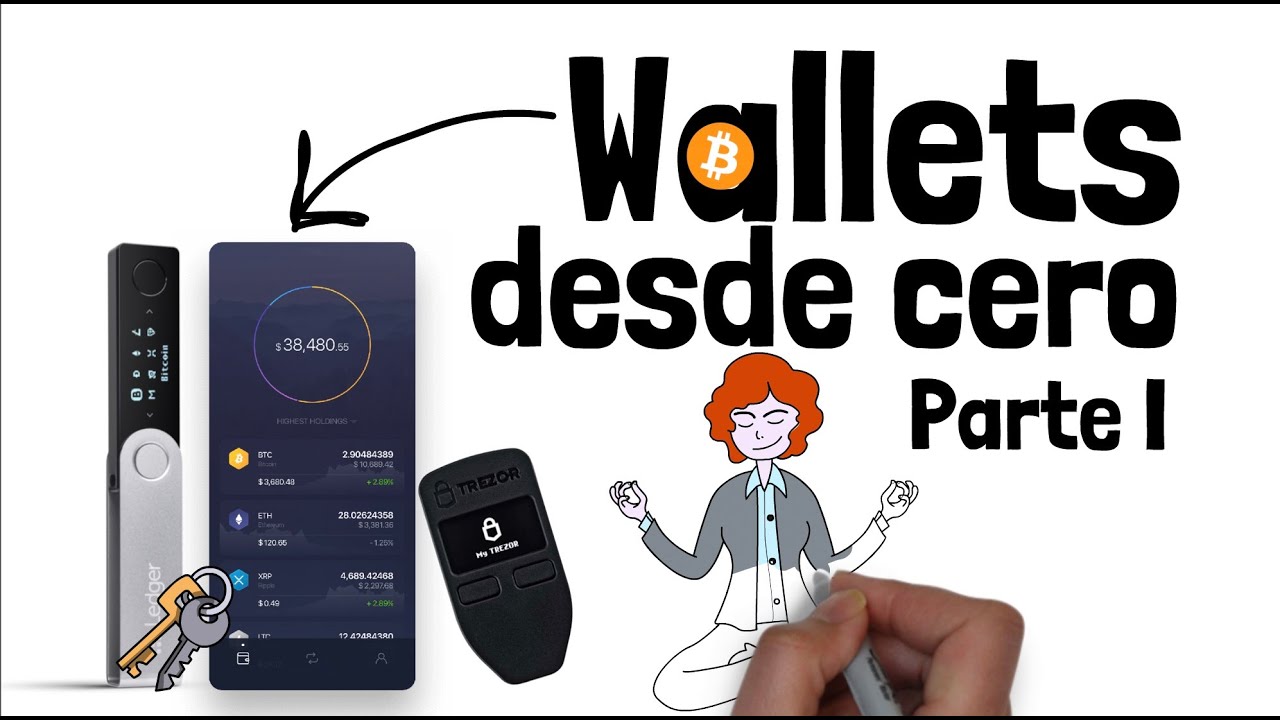
- Hardware Wallets: Dispositivos físicos del tamaño de una memoria USB que almacenan tus llaves privadas offline. Son la opción recomendada para proteger cantidades significativas de cripto. Marcas líderes como Trezor, Ledger y CoolWallet ofrecen soluciones robustas. Invertir en un hardware wallet es una inversión inteligente para cualquier trader o inversor serio.
- Paper Wallets: Imprimen tus llaves públicas y privadas en un trozo de papel. Son seguros si se generan offline y se almacenan adecuadamente, pero poco prácticos para el uso frecuente.
La menor accesibilidad es el compromiso por una seguridad superior. Para quienes aspiran a construir patrimonio en cripto, un hardware wallet es una herramienta indispensable en su arsenal.
Tu Plan de Acción: Cómo Elegir el Wallet que Multiplicará tu Capital
Seleccionar el wallet adecuado es una decisión de negocio estratégica. No se trata solo de seguridad, sino de eficiencia y escalabilidad. Aquí te presento un plan para elegir el tuyo:
- Evalúa tu perfil de inversor:
- Principiante con transacciones frecuentes: Considera un wallet móvil o de escritorio seguro con 2FA.
- Inversor a largo plazo (Hodler) con cantidades considerables: Un hardware wallet es imprescindible. Analiza modelos como Trezor Model T, Ledger Nano S Plus, o CoolWallet Pro.
- Gestor de múltiples criptoactivos: Busca wallets que soporten una amplia gama de monedas y tokens.
- Investiga las características de seguridad:
- Soporte para Autenticación de Dos Factores (2FA).
- Verifica la reputación del proveedor y lee reseñas sobre incidentes de seguridad.
- Para hardware wallets, investiga la resistencia física y las medidas anti-manipulación.
- Considera la usabilidad y compatibilidad:
- ¿Es fácil de usar la interfaz?
- ¿Es compatible con los sistemas operativos y dispositivos que utilizas?
- ¿Soporta las criptomonedas que planeas adquirir y gestionar?
- El Costo vs. Beneficio:
Veredicto del Estratega: Para construir un patrimonio real en cripto, la combinación de un hardware wallet para tus ahorros a largo plazo y un wallet móvil o de escritorio para operaciones diarias optimiza tanto la seguridad como la eficiencia. El costo de un hardware wallet es una fracción mínima del potencial riesgo de perder tus activos.
Oportunidad Binance: El Ecosistema para Escalar tus Inversiones Cripto
Para aquellos que buscan una plataforma integral para comprar, vender, y gestionar una amplia variedad de criptomonedas, Binance se presenta como una solución de clase mundial. No es solo un exchange; es un ecosistema financiero que te permite diversificar tus estrategias de inversión. Desde el trading de alta frecuencia hasta el staking para generar ingresos pasivos, Binance ofrece las herramientas necesarias para escalar tus activos digitales.
La seguridad es primordial y Binance ha invertido significativamente en su infraestructura para proteger los fondos de sus usuarios, implementando rigurosas medidas de seguridad como la autenticación de dos factores (2FA) y un fondo de seguros SAFU (Secure Asset Fund for Users). Familiarizarte con sus funcionalidades, como los wallets integrados, las opciones de staking y las herramientas de trading, te dará una ventaja competitiva significativa en el mercado cripto.
La integración de Binance en tu estrategia de gestión de criptoactivos te permitirá acceder a un mercado global con liquidez excepcional y una oferta de productos financieros innovadores. No subestimes el poder de una plataforma robusta para optimizar tus operaciones y maximizar tus retornos. Puedes comprar tus primeras criptomonedas y explorarlas en un entorno controlado y seguro.
El Arsenal del Emprendedor Cripto: Herramientas y Recursos Clave
Para moverte con soltura en el mundo cripto y maximizar tus ganancias, necesitas las herramientas adecuadas. Aquí te presento el arsenal esencial:
- Hardware Wallets (la base de la seguridad):
- Trezor: Pionero en hardware wallets, conocido por su interfaz intuitiva y robusta seguridad.
- Ledger: Líder del mercado con una amplia gama de dispositivos y un ecosistema robusto.
- CoolWallet: Un hardware wallet móvil con conectividad Bluetooth y pantalla táctil.
- Software Wallets (para movimientos ágiles):
- MetaMask: Un wallet de navegador y móvil muy popular, esencial para interactuar con aplicaciones descentralizadas (dApps) y el ecosistema Ethereum.
- Trust Wallet: Propiedad de Binance, es un wallet móvil versátil que soporta una gran cantidad de criptomonedas y tokens.
- Plataformas de Intercambio (para acceso al mercado):
- Binance: Como ya mencionamos, es la plataforma líder por volumen y oferta de productos.
- Kraken o Coinbase: Alternativas sólidas con enfoques ligeramente distintos en cuanto a interfaz y tipos de activos disponibles.
- Recursos Educativos y de Investigación:
- CoinDesk y Cointelegraph: Para noticias y análisis actualizados del mercado cripto.
- CoinMarketCap y CoinGecko: Para seguir precios, capitalizaciones de mercado y datos de miles de criptomonedas.
- Analiza fuentes confiables: No te quedes solo con la información fácil. Investiga en los sitios oficiales de los proyectos y lee informes técnicos (whitepapers).
Preguntas Frecuentes: Despejando Dudas para una Inversión Segura
Aquí resolvemos las dudas más comunes sobre wallets de criptomonedas:
¿Es seguro usar un exchange como Binance como wallet?
Binance ofrece un nivel de seguridad muy alto para sus wallets online, incluyendo 2FA y un fondo de seguros. Es perfectamente seguro para almacenar cantidades que planeas mover o usar activamente. Sin embargo, para grandes sumas y almacenamiento a largo plazo, la custodia propia a través de un hardware wallet es insuperable.
¿Qué pasa si pierdo mi semilla (seed phrase)?
Si pierdes tu semilla y no tienes una copia de seguridad fiable, perderás el acceso a todas las criptomonedas gestionadas por ese wallet. No hay forma de recuperarlas, ya que no existe una autoridad central a la que recurrir. ¡Protege tu semilla como si fuera oro!
¿Puedo usar el mismo wallet para Bitcoin y Ethereum?
Sí, muchos wallets modernos (especialmente los HD wallets) son multi-criptomoneda y pueden gestionar tanto Bitcoin como Ethereum, así como muchas otras altcoins y tokens. Sin embargo, siempre verifica la lista de compatibilidad del wallet específico.
¿Un paper wallet es más seguro que un hardware wallet?
Un paper wallet generado offline puede ser muy seguro, pero es poco práctico. Los hardware wallets ofrecen un equilibrio superior entre seguridad de primer nivel y facilidad de uso, especialmente para quienes operan con frecuencia o gestionan carteras significativas. La seguridad de un paper wallet depende en gran medida de la creación offline y el almacenamiento seguro, factores que pueden ser difíciles de garantizar para el usuario promedio.
Sobre el Autor
El Estratega Financiero es un consultor de negocios y analista de mercados con más de una década de experiencia ayudando a emprendedores e inversores a maximizar su rentabilidad. Su enfoque se basa en datos, sistemas y una ejecución implacable. Ha guiado a cientos de individuos a través de las complejidades de los mercados financieros, desde la inversión tradicional hasta las revoluciones emergentes como las criptomonedas, siempre con el objetivo de construir riqueza sostenible y tomar el control financiero.
Tu Misión: Asegura tu Primer Activo Digital Esta Semana
Ahora que entiendes la importancia crítica de los wallets, tu primer paso es tomar acción. No dejes que la información se quede en la teoría. Elige el tipo de wallet que mejor se adapte a tu perfil de inversión y configuración actual. Si aún operas principalmente a través de exchanges, este es el momento de investigar y adquirir un hardware wallet. Si ya tienes uno, asegúrate de que tu semilla esté respaldada y almacenada de forma segura. La verdadera libertad financiera comienza con la seguridad de tus activos.
Fuentes y Referencias Adicionales:
